
Happy 130th Birthday, Chiropractic!
Join Us in Celebrating 130 Years of Chiropractic Care
Your chiropractic birthday communication bundle is here and ready to share! Use this guide to see what’s included and how to get started spreading the celebration with your patients.
1. Blog
To share it, log in to your website dashboard and go to WEBSITE >> BLOG POSTS. Look for the draft titled “Wow, We’re Getting Old! Chiropractic Care Turns 130″—edit as you like, then click Publish to make it live.


2. Social Posts
This year, we’re celebrating chiropractic’s 130th birthday! Share some fun and festive posts to connect with your audience and highlight your practice.
We’ve created three lighthearted, celebratory post ideas—each with images designed to match your blog and email content. They’re already sized perfectly for Facebook and Instagram. Just click the images below to download.
Psst—Premium Plan clients can find and schedule these posts directly in the “Get Social” library of your dashboard.
BONUS TIP: Personalize your posts! Fill in the blanks where prompted, or add your own unique touch to make them feel more authentic to your practice.
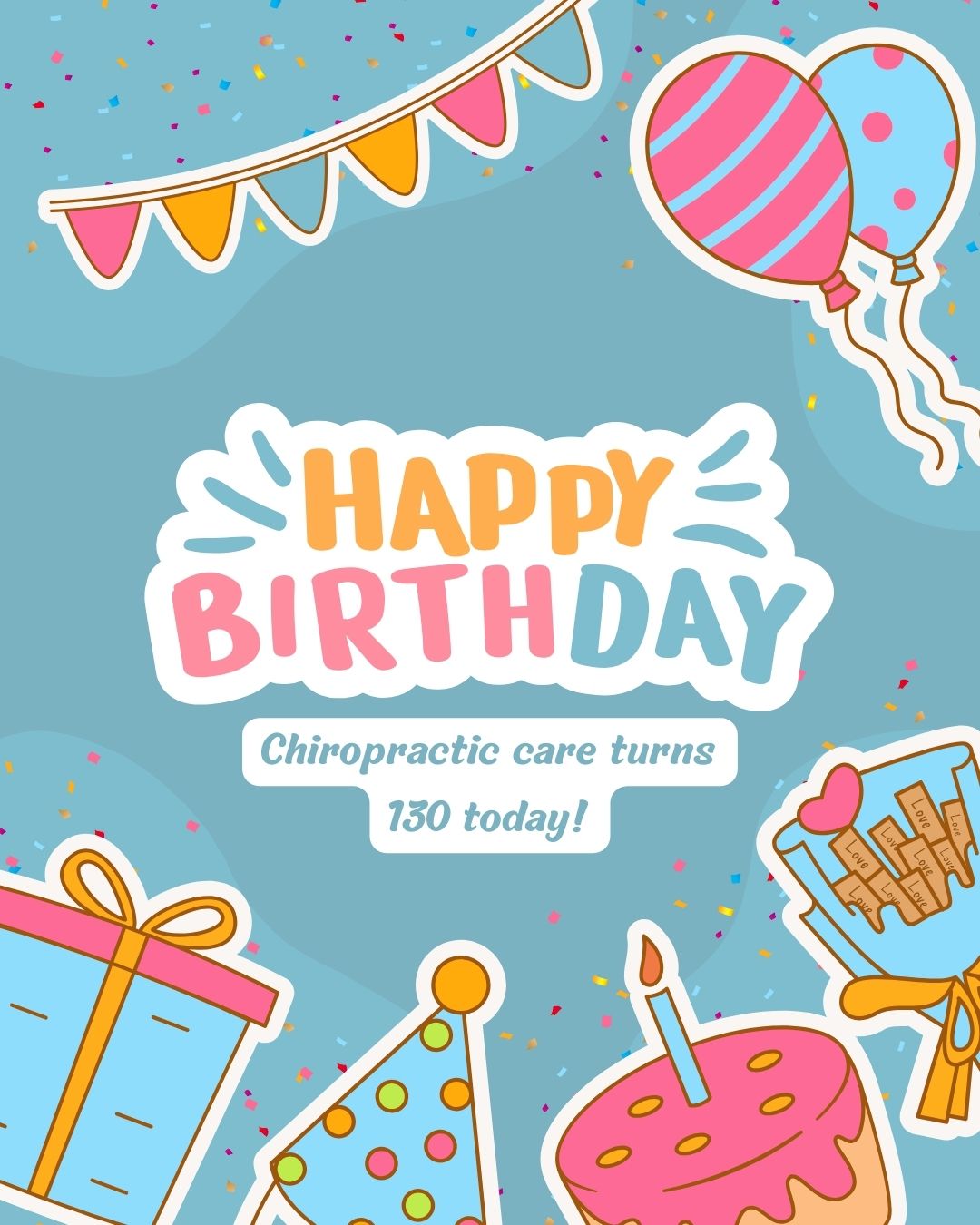
Happy 130th birthday to chiropractic care!
From 1895 to today, chiropractic has been helping people live healthier, more active lives—naturally. Here’s to many more years of wellness ahead!

Enter between [DATE] and [DATE] for a chance to win a $130 gift card to our practice. Just comment below and tell us what you love most about chiropractic care.

In honor of the birth of chiropractic care 130 years ago, we want to know- what’s one way chiropractic has changed your life? We’ll go first! Share your comments below.
3. Email
This year, we’ve created one special email template to help you celebrate chiropractic’s 130th birthday with your patients.
The template is called “130 Years of Chiropractic…And We’re Just Getting Started”. Use it to share the milestone, spark conversations, and keep your patients engaged with your practice.
To use the email, log in to your dashboard, click on Email Center, then Create New Email. From the Templates drop-down menu, you’ll find the new email ready to review, personalize, and send.
Premium Plan clients: Your Digital Marketing Specialist is happy to help edit and schedule this email for you.
Need a Hand? We’ve Got You Covered
Have questions or want a little guidance sharing Chiropractic’s 130th birthday with your patients? Our team is here to help!