
Halloween 2025
Spook-tacular Patient Engagement
It’s time to add some frightfully fun flair to your patient communications! This seasonal content is a fantastic way to boost engagement, keep your practice top-of-mind, and show off your playful side while still sharing valuable health insights.
1. Themed Blog Post
How to Publish Your Spooky Content:
- Head to your website dashboard
- Select WEBSITE >> BLOG POSTS
- Find the blog post draft titled:
“Beware the Tech Neck Curse: Break the Spell of Screen Time This Halloween” - Edit the content as you like to fit your practice voice
- Click ‘Publish’ to make it live on your site


2. Halloween Social Posts
Get ready to share some spook-tacular fun with your followers this Halloween!
We’ve put together a fresh set of seasonal post ideas and eye-catching graphics that perfectly complement your Halloween blog and email content. Simply click on the images below to download and start posting.
Add your personal touch by filling in the blanks where prompted or including your own Halloween-inspired message to make each post uniquely yours.
You can also schedule these Halloween posts directly from the “Get Social” library in your dashboard.
Let’s make this Halloween season extra engaging with posts that are festive, fun, and full of personality!
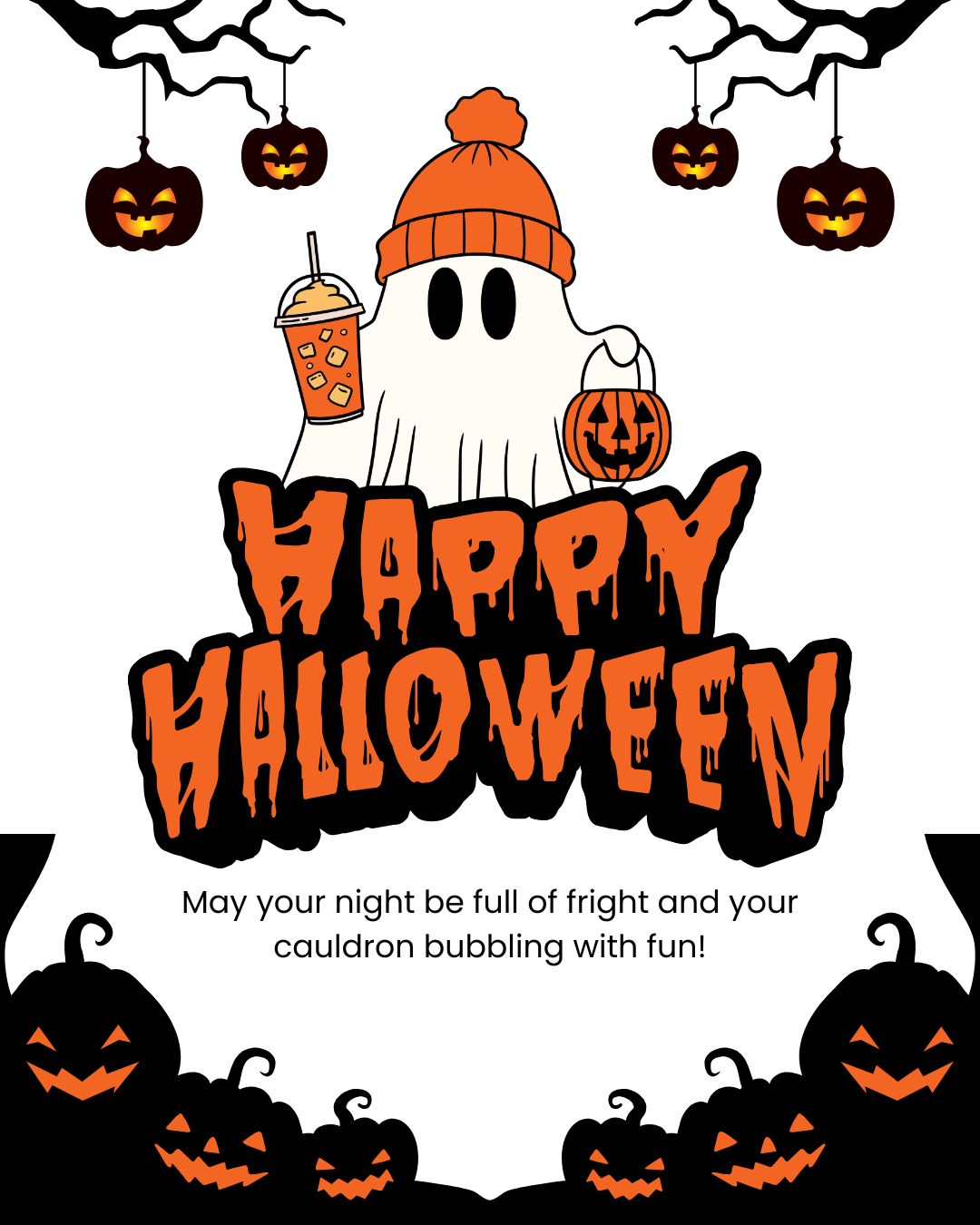
We hope your night is full of fright and your cauldron bubbling with fun.
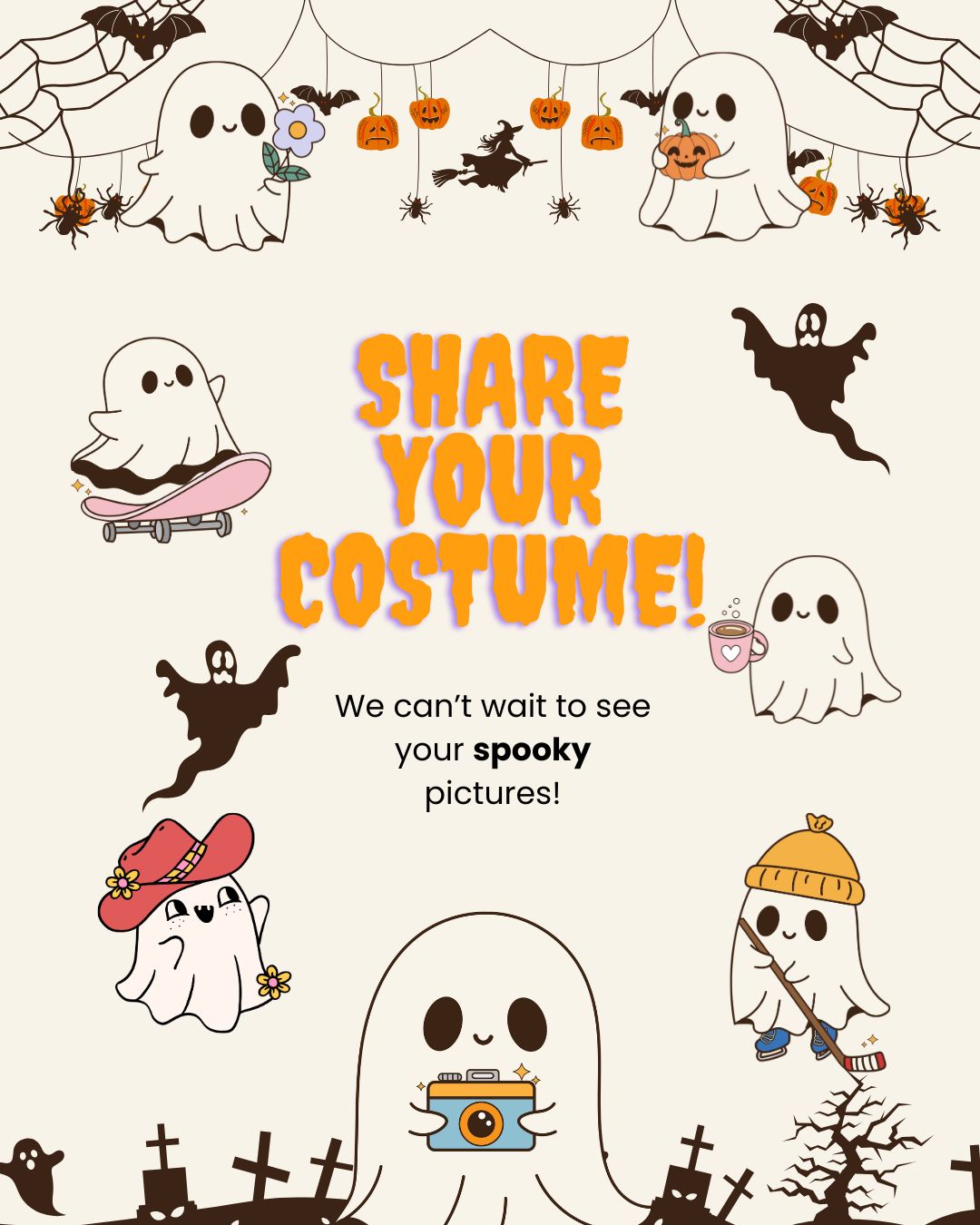
We’d love to see them–drop them in the comments!
3. Email
Ready to share some Halloween spirit with your patients? We’ve made it easy! Your seasonal email template is now available in your dashboard—fully themed and ready for you to customize. Don’t worry, it won’t be sent without your approval. Take a few minutes to make it your own before hitting send!
Don’t Let Tech Neck Haunt You This Halloween! – Preview email content (see note below)